A Server Without a Single Public Port
Published: November 28, 2026
- #dev
- #security
- #ssh
- #cloudflare
- #linux
Since late October 2026, the internet has been coming apart at the seams. One vulnerability after another has turned up in the infrastructure that runs half the internet. The ones in the Linux TCP stack got my attention in particular. CVE-2026-98432 could allow remote code execution, and NoisyTCP (CVE-2026-99288) could crash a server remotely. I got tired pretty quickly of updating kernels, applying fixes, and cobbling together workarounds while waiting for official patches. And who’s to say someone won’t find another one next week?
So even if I’ve set up SSH properly, only allow key-based logins, and keep the web server up to date, every TCP port the internet can reach adds to the attack surface. What if I just closed all the public ports?
Battening down the hatches
I’ve used Cloudflare across all my projects for a long time, and it happens to have just the thing for this. With Cloudflare Tunnel, I can make just about any local service available on my own domain or subdomain over an outbound connection to Cloudflare, without opening inbound ports on the server. For private services, I can put Cloudflare Access in front of them.

First I moved the web servers behind tunnels and closed ports 80 and 443. I also put my internal services, admin panels, and staging and preview domains behind Cloudflare Access.
That left one open port, 22. As far as TCP stack bugs go, that’s still pretty lousy. Who cares how many ports I’ve closed if one is enough?
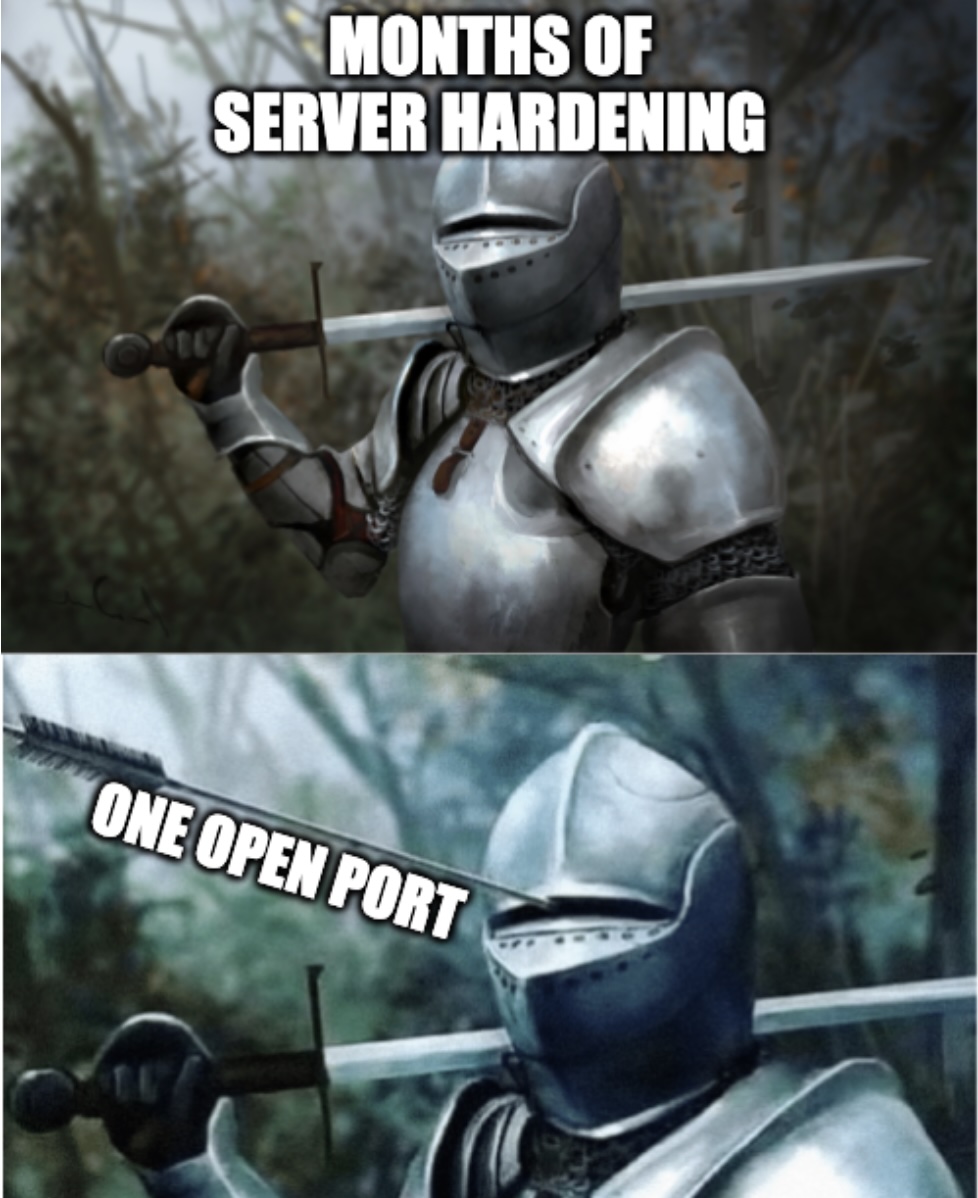
But losing SSH access is a huge pain, and betting on cloudflared to keep running and come through every update unscathed felt a bit too risky. So I put off closing that last port for quite a while.
A backup way into the server
Say the next cloudflared update goes sideways, or the new config doesn’t apply properly and the tunnel never comes up. The server’s running, every port is closed, everything’s secure, and I’ve managed to lock myself out. How do I get back in?
Hosting providers usually give you some kind of emergency access through their control panel. Mine is OVH, which offers Serial over LAN and IPMI KVM for dedicated servers and a noVNC console for VPSes.
I wasn’t thrilled about relying on any of these. They’re awkward to use, with little gotchas I’d rather discover on a quiet afternoon than in the middle of an outage. I didn’t have many alternatives, so I decided to rehearse getting in that way before closing the SSH port. Good thing I did.
The first thing I got from the serial console was a completely blank terminal. No login prompt, no response to anything I typed. An agent helped me debug it pretty quickly. The serial baud rates didn’t match. If you also need access to the bootloader, you’ll have to configure GRUB to send its output to the serial console separately.
Okay, now I had a Linux login prompt. That’s when I hit the second problem. None of my users had passwords. I’d set things up that way for security, and in an emergency it would have kept me from logging in at all. I ended up setting an obscenely long password on my account for local logins and keeping password authentication disabled over SSH. This is also a good time to think about limiting login attempts and temporarily locking accounts.
The VPS had a different annoyance. I couldn’t paste text into the terminal through noVNC. Typing a 30-plus-character password by hand is one thing. Retyping long commands and configs with input lag is a whole other kind of pain. The good news is that the noVNC canvas accepts simulated keystrokes. I wrote a little JavaScript script to paste text that way and wrapped it in a bookmarklet. Handy to have in the emergency folder.
Then there was the VPN. One VPN got me a 403 complaining about my IP address when I tried to open KVM. With the VPN off, the console wouldn’t load at all. With a different VPN, it worked. A lot seems to depend on how the VPN client handles routing. The same kind of thing can happen with Cloudflare Tunnel, too.
One nice discovery was that OVH has its own CLI. It can request temporary KVM and Serial over LAN sessions without opening the control panel. Wrap that in a little Bash script and you can get into the server in an emergency right from your terminal. OVHcloud CLI
Anyway, I’m glad I got all that fuss out of the way while everything was working. Once I could actually get into every server without relying on its SSH service, I could close the last port.
Closing the last port
Here’s how I put SSH through Cloudflare.
- Install
cloudflaredon the server and start a tunnel. I already had one running. - In the Cloudflare dashboard, add an SSH route to the tunnel pointing to
ssh://localhost:22and give it a subdomain such asssh.example.com. - Install
cloudflaredon your workstation and set it up as a proxy in~/.ssh/config.
Host my-server
    HostName ssh.example.com
    User ubuntu
    ProxyCommand cloudflared access ssh --hostname %h
Connect the same way you normally would.
ssh my-serverSCP, SFTP, port forwarding, and all the other things we use SSH for should work as usual. Once you’ve checked that they do, you can close the port in the firewall.
I’d rather avoid depending on the firewall alone. A rules reset, a botched config, or someone accidentally turning off UFW would put SSH right back on the internet. And why have it listen on external interfaces when the only thing connecting to it is the local cloudflared process?
So I also restricted the addresses that SSH listens on.
ListenAddress 127.0.0.1
ListenAddress ::1
Now you can reach the SSH listener directly only from the server itself, even with the firewall off.
How’s life in the bunker?
Day to day, hardly anything has changed. I connect to my servers the way I always did, and most tools don’t even notice they’re going through a tunnel.
The main hassle is updating cloudflared itself, and updates come out pretty often. There’s the risk of locking myself out, and while cloudflared restarts, every service behind that tunnel goes dark. In production, you can go to the trouble of running replicas. Start the new cloudflared instance first, then shut down the old one. A bit like a blue-green deployment. Existing SSH sessions can still drop, but the websites will keep accepting new requests. Updating cloudflared with replicas
So what does this setup buy me? Cloudflare’s infrastructure now accepts the public TCP connections, and my servers make outbound encrypted connections to Cloudflare. That hands off a good chunk of the network-layer security headaches to Cloudflare. Attacks that require direct access to a TCP service on my server can’t reach it through the tunnel.
Public web apps are still public, of course. Cloudflare has some pretty powerful tools for dealing with DDoS, SQL injection, and other common attacks, but I’m still responsible for securing the apps themselves. I still have to update packages and pay attention to what data my services accept, which files can be executed, and where the app can write.
At least now I know where all the inbound traffic comes in, and I can spend more time on the services and the application code. That feels a lot more manageable.